
You can use the library catalogue to find print books and other physical resources in the library, such as CDs, DVDs, and government documents.
Here’s how:
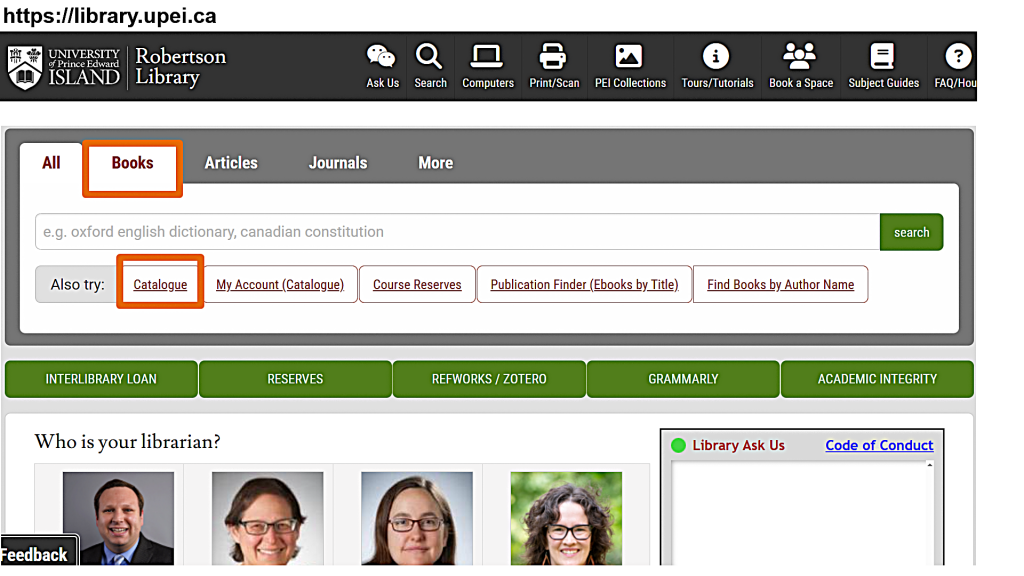
Start on the library homepage, library.upei.ca, and select the “Books” tab. Then, use the “Catalogue” link under the search bar. The Catalogue button will take you to this homepage:
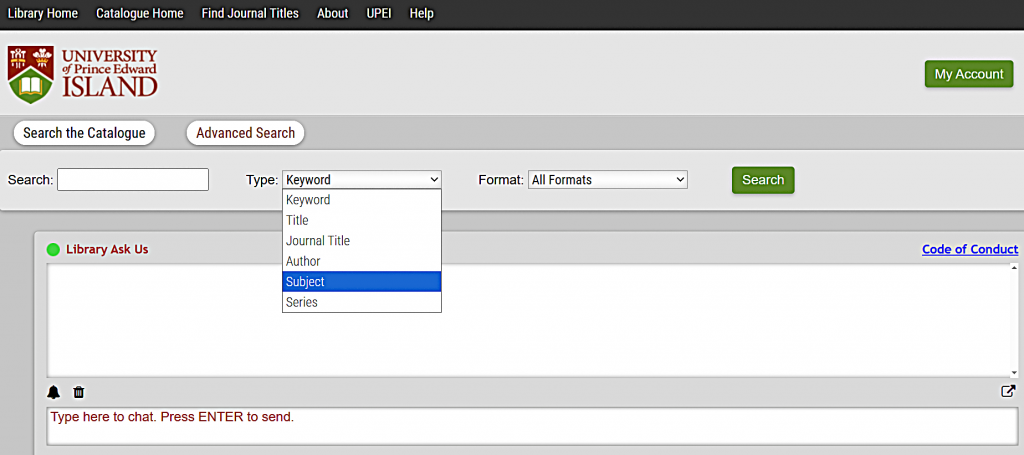
You can search the catalogue by author, title, or subject.
I’m going to search for “emergency medicine” as a keyword. A keyword search will find the largest number of search results; it searches for keywords of all fields in the catalogue record including the title, author, and subject.
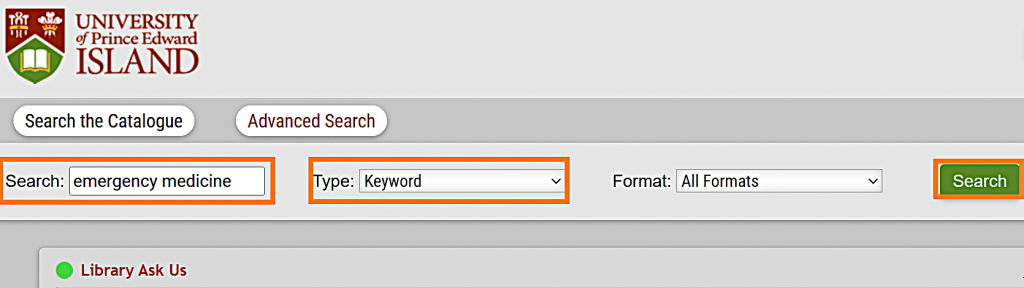
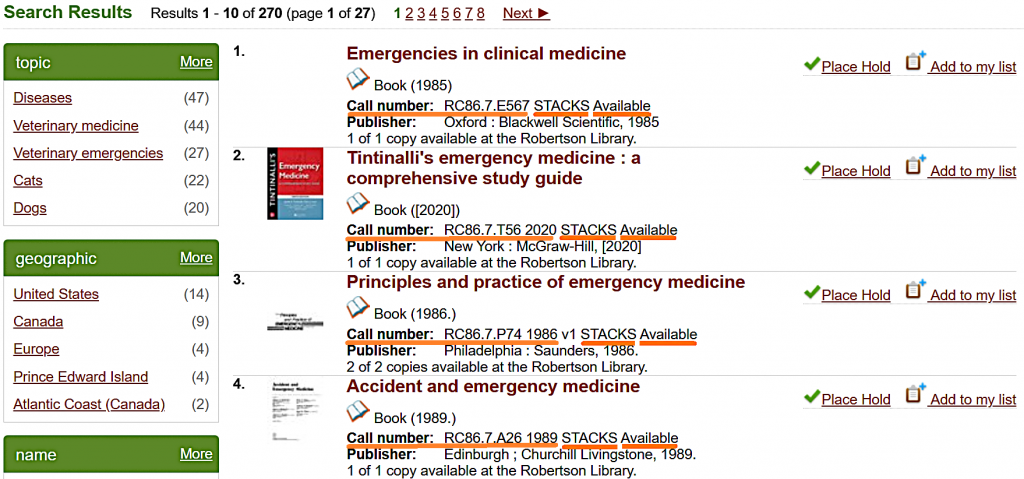
Next, I click on “Search.” I get 270 results, with 10 on each page.
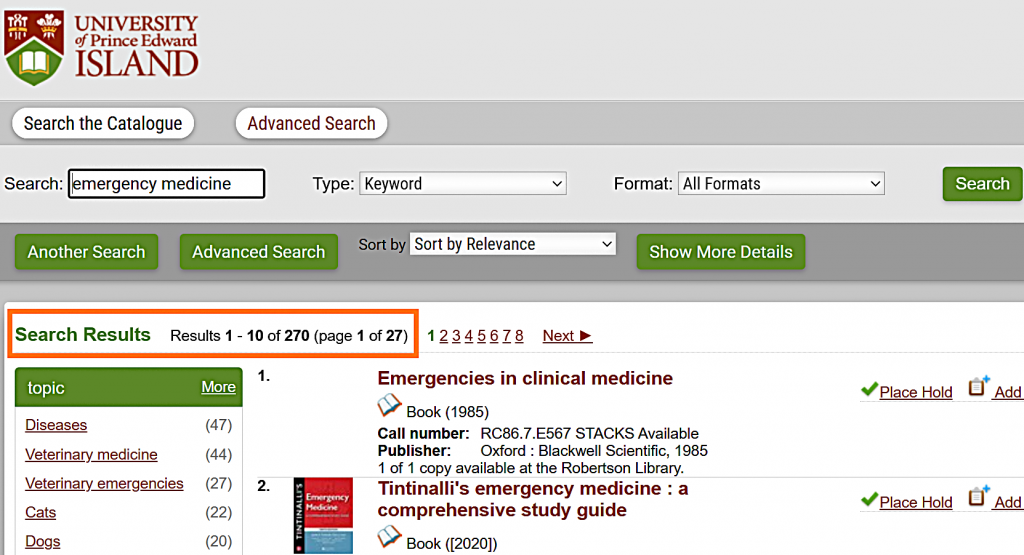
As I scroll through the results, I see that they are mostly print books that are available in the upstairs Library Stacks. I know this because they have a call number followed by the location “STACKS” and the word “Available.”
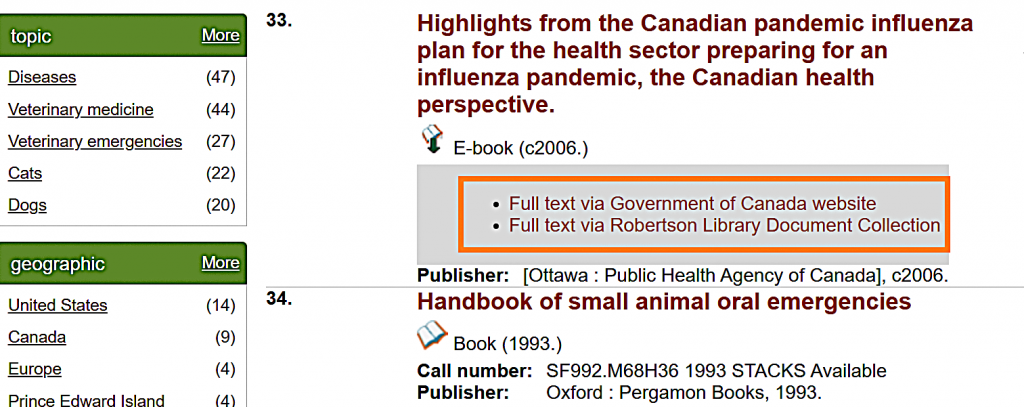
Some online government documents and course reserve materials are also included in the catalogue. For example, I can access the full text of this document on the Government of Canada’s website, or in Robertson Library’s online document collection.
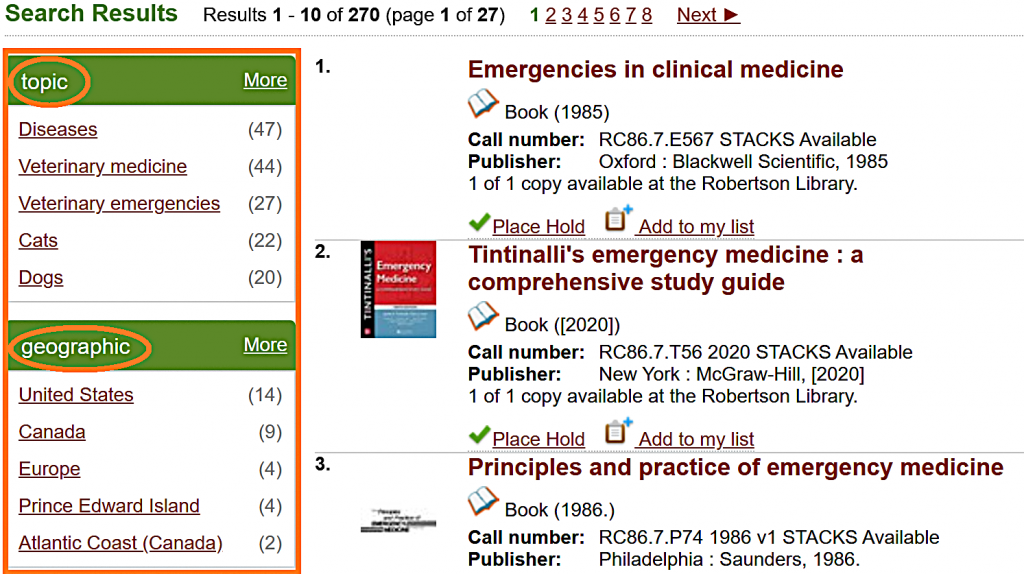
The suggestions on the left side of the screen let me limit my search by topic, geography, or other information.
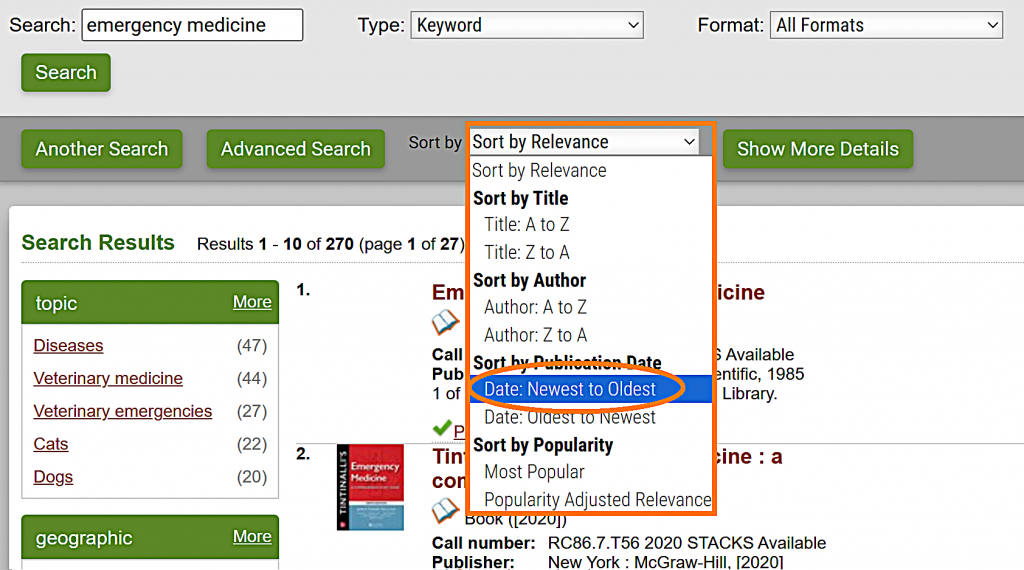
The search results are sorted by relevance, but I can change that to sort by title, author, publication date, or popularity. I’m going to sort my results by publication date so that the newest books come up to the top.
I’m interested in Introducing, Designing, and Conducting Research for Paramedics, so I’m going to click on the title of that book.
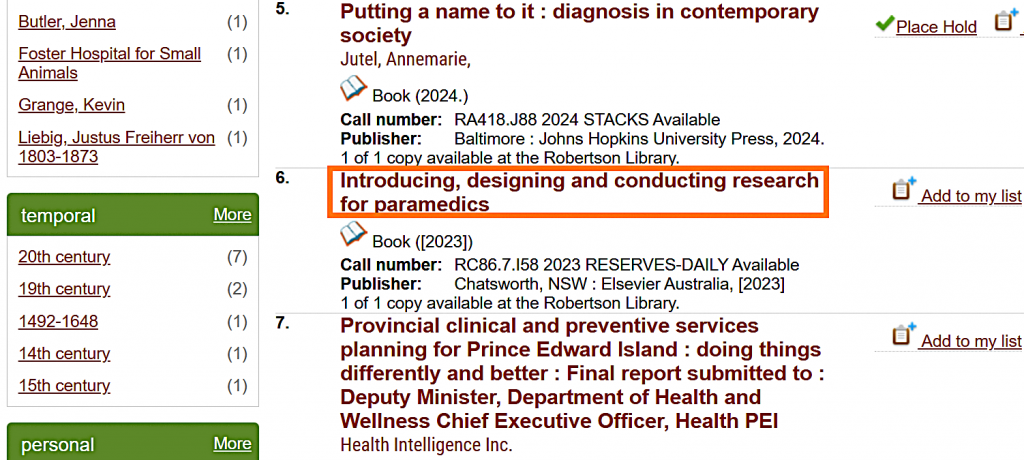
Below the information about this item, there’s a section called “Search for related items by subject.” If I want other books about emergency medicine research, or about emergency medical technicians, I can click on the subject heading links to start a new search for that topic.
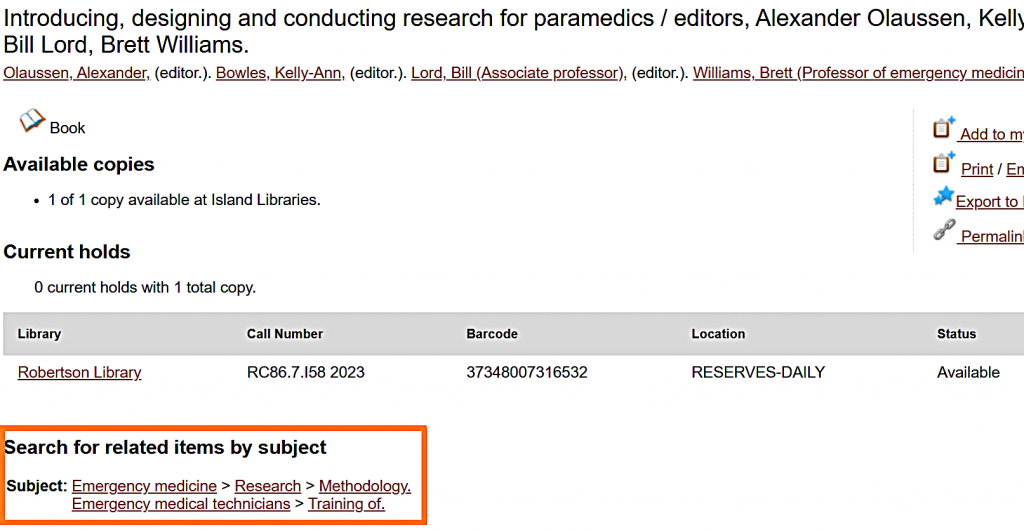
I can also see more information about this book in the “Content descriptions” section.
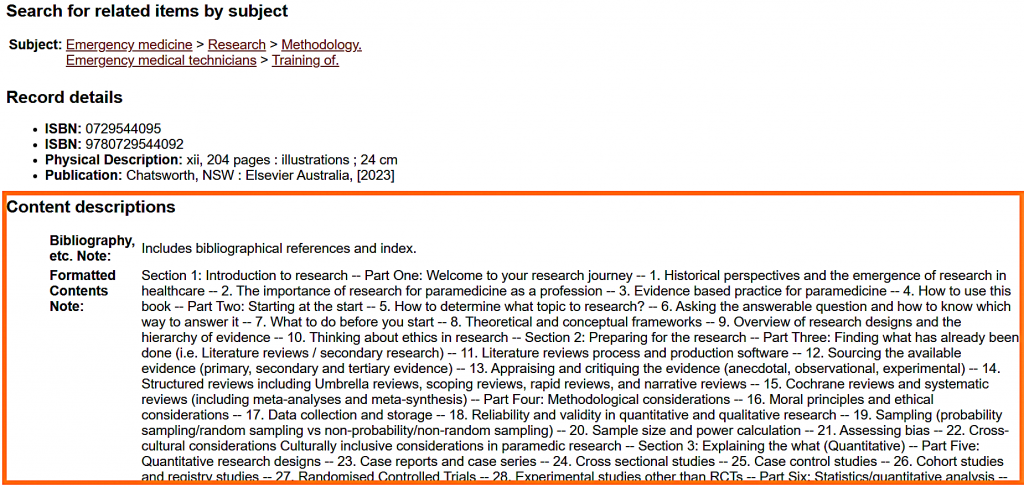
I need the call number and the location to find this book. In this case, the RESERVES-DAILY location means that book is in Course Reserves, so I can ask for it at the library service desk.
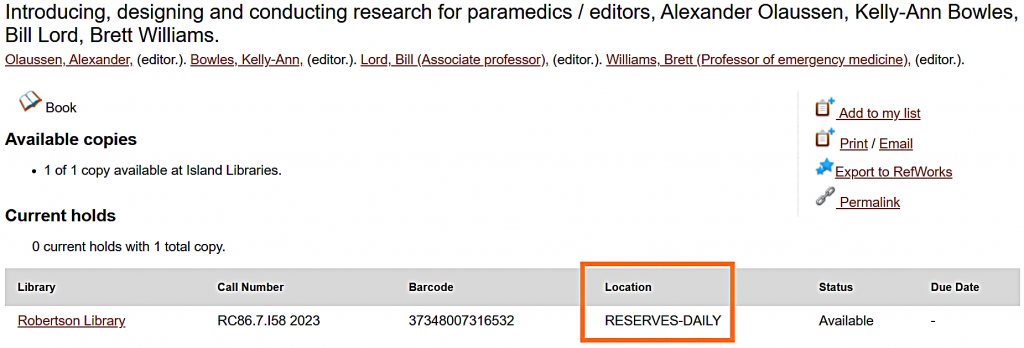
If it were in the Stacks, I would use the call number to find it.
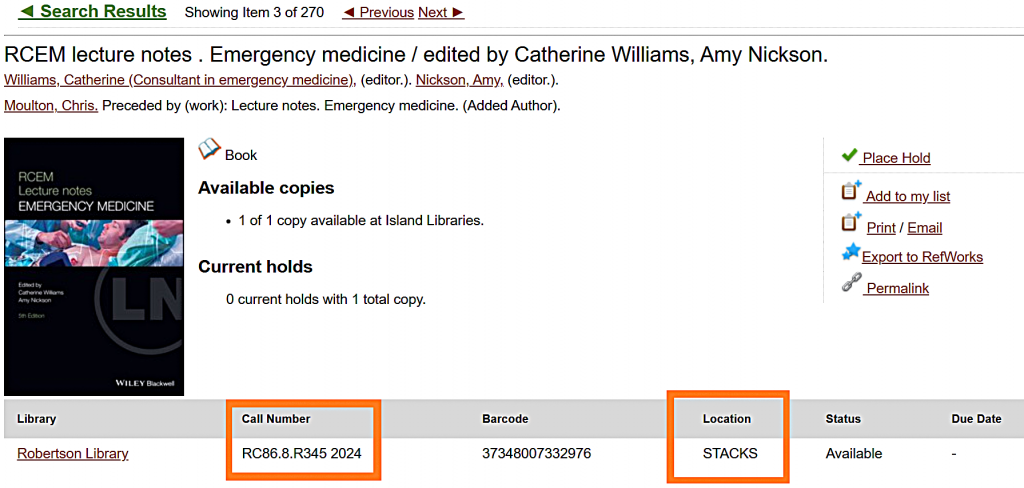
I can also use the call number to find similar books by going upstairs to the RC section and looking for numbers close to 86. This is where I will find other books about medical emergencies, critical care, intensive care, and first aid.
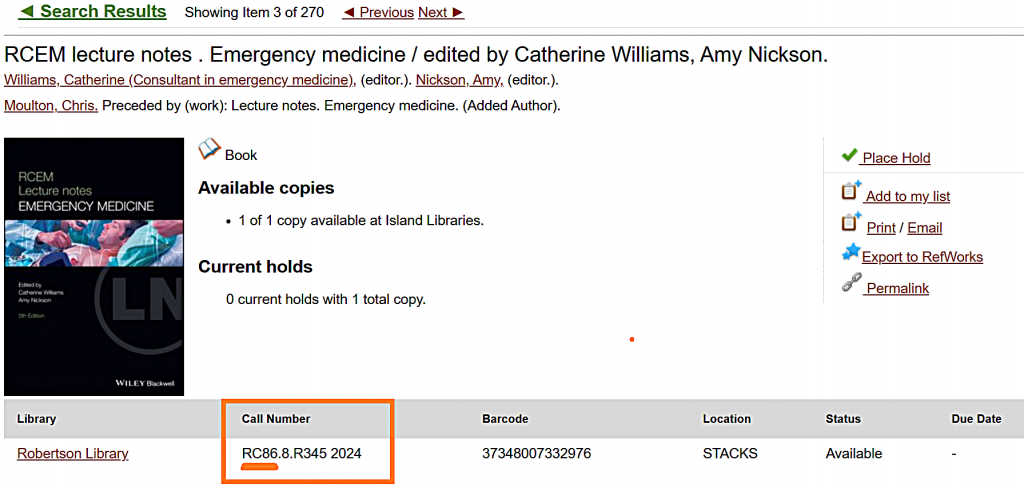
If you're not sure how to read call numbers or how to find books in the library, have a look at the tutorial on call numbers and how to find books at the Robertson library OR ask us at the service desk.
We are here for you.
A video version of this tutorial is al available.